Save eligible links
Save content you have the right to keep. Availability depends on the source, permission and network; not every link or site works.
 Magpie
A link saver for macOS
Save content you have the right to keep. Availability depends on the source, permission and network; not every link or site works.
Download for MacGet it on the Mac App Store
App Store edition: claim 14 days of free saving in the app. Then a one-time unlock, with no subscription or automatic charge. Version 0.8.0 is being prepared for release. Public downloads and purchases are not open.
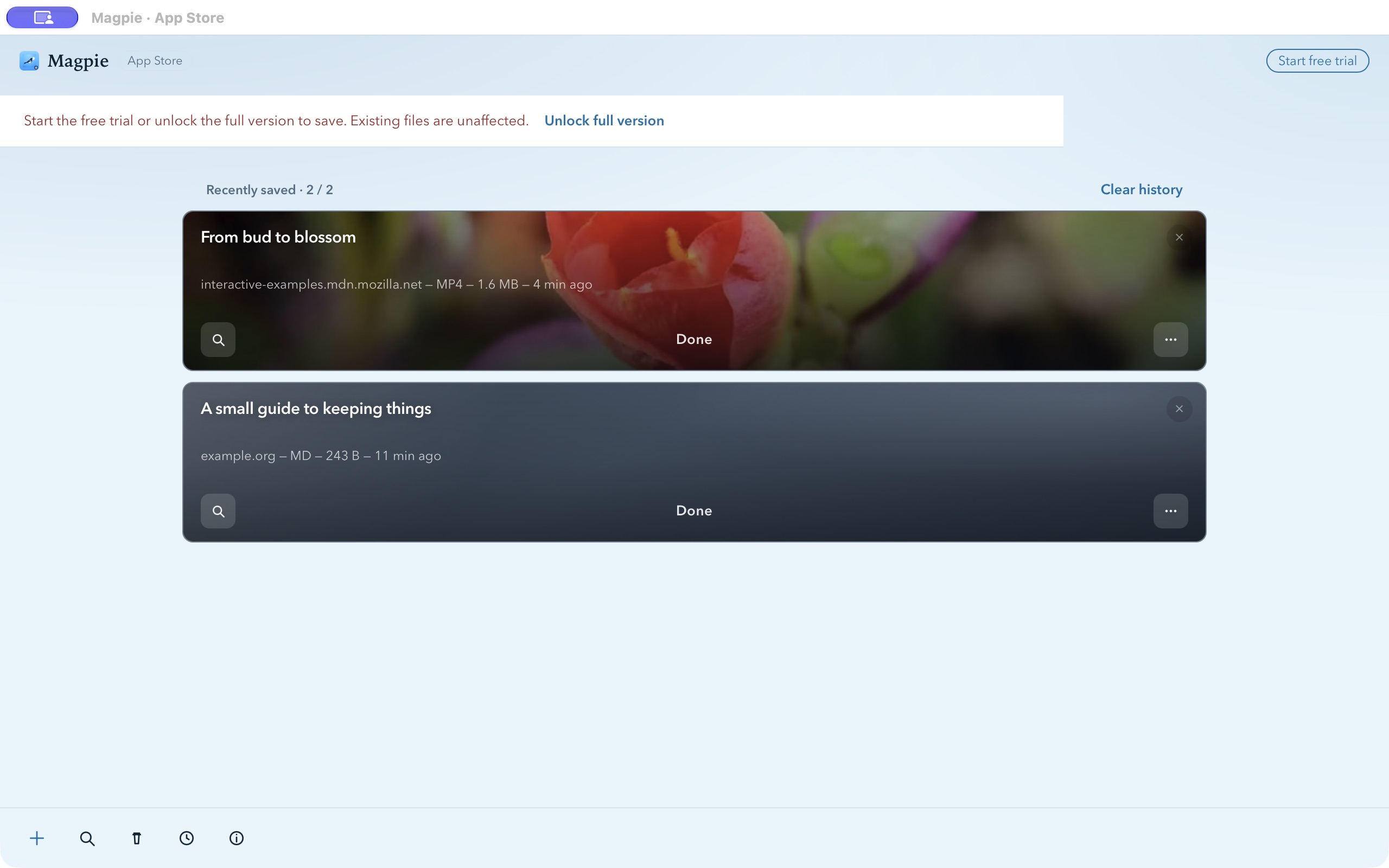
Save content you have the right to keep. Availability depends on the source, permission and network; not every link or site works.
Search saved records and open existing files from your library.
Convert supported local media when needed. Format and system limitations still apply.
Use light or dark appearance, adjust the interface size, and choose English or Chinese.
The editions have separate purchases and entitlements. No subscription.
Sales paused
Direct sales are paused. The final buyer package is in preparation.
In-app purchase See the price in the App Store
Free to download. Explicitly claim 14 days of saving; after expiry, a one-time full unlock is required to keep saving.
Magpie works on your Mac. No account, no analytics, no ads, no uploads. On the App Store its privacy label is “Data Not Collected”.
App Store edition: explicitly claim a 14-day free saving trial, then purchase the one-time full unlock to keep saving. Direct edition: the 14-day trial starts on first launch. Neither trial automatically charges you; existing history and files remain available.
Version 0.8.0 is being prepared for release. Public downloads and purchases are not open. The Direct edition supports developer-issued offline license codes. Store and Direct entitlements are separate; direct sales remain paused.
That depends on who owns the content and on the terms of the site it comes from. Magpie only saves a copy on your own computer. It does not remove copy protection and cannot tell whether you are allowed to save a given file. Your own material, openly licensed material and content you are authorised to use are the safe cases. Please follow each site’s terms and the law where you live.
No. Everything stays on your Mac. There is no account and no analytics.
A Mac with Apple silicon (M1 or later) running macOS 12 or later.
Yes, they install side by side (the direct edition is called Magpie Direct). They are separate products: each has its own 14-day trial, its own history and its own purchase. A purchase in one does not unlock the other, and trial extension codes only work in the direct edition.
On the support page. It takes a minute.
Save only content you have the right to keep. Magpie does not bypass DRM or access controls.
Version 0.8.0 is being prepared for release. Public downloads and purchases are not open.
Demonstration library: MDN CC0 flower clip and an original article. Availability varies by site, rights and network conditions.